The Coloring Process
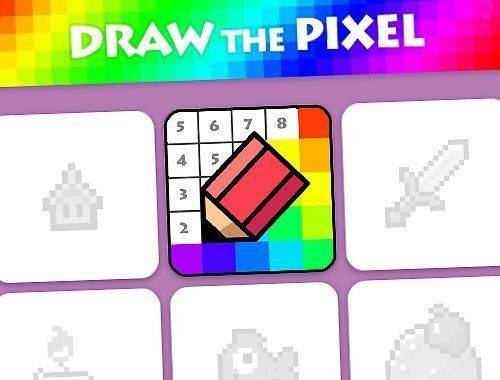
Each picture starts as a grid of tiny squares, each marked with a number that matches a color in your palette. You select a shade and tap the matching cells to fill them. As you work, the image gradually takes shape, revealing animals, landscapes, and other scenes. The system highlights which numbers are ready to use, so you always know where to begin. There is no rush—you can pause anytime and return later without losing progress.
Navigating the Gallery
The collection includes a rotating selection of images, from simple patterns to more detailed compositions. New pictures are added regularly, giving returning players fresh material. You can preview each piece before starting, and the difficulty varies so beginners and experienced colorists alike find suitable challenges. The interface keeps everything organized, making it easy to browse and pick your next project.
Tools for Precision
Zoom controls let you inspect small sections closely, ensuring accurate color placement. A progress bar shows how much of the picture is complete, which helps you plan your session. If you make a mistake, an undo option lets you correct it without starting over. These features support a relaxed pace, letting you focus on the creative process rather than perfection.
Sharing Your Work
Once a mosaic is fully colored, you can save the finished image to your device. The game also offers a simple way to share your creation with friends or on social media. This adds a social layer to an otherwise solitary activity, letting you show off your patience and artistic choices. The saved files maintain the original resolution, so details stay crisp.
Why It Works for All Ages
The controls are straightforward: tap a color, then tap the matching cells. There are no complex menus or hidden mechanics. This simplicity makes it accessible for younger players while still engaging for adults who want a low-stress creative outlet. The lack of timers or scores removes any competitive pressure, allowing everyone to work at their own comfortable speed.







Comments
0 comments